Start without a filename.
Capture an idea in Scratch. Native local recovery keeps it between sessions, before you decide where it belongs.
 Downshift
A place to write, read, and work things out.
Beautiful documents. Familiar files. Room to think.
Apple silicon Mac · invited testers only
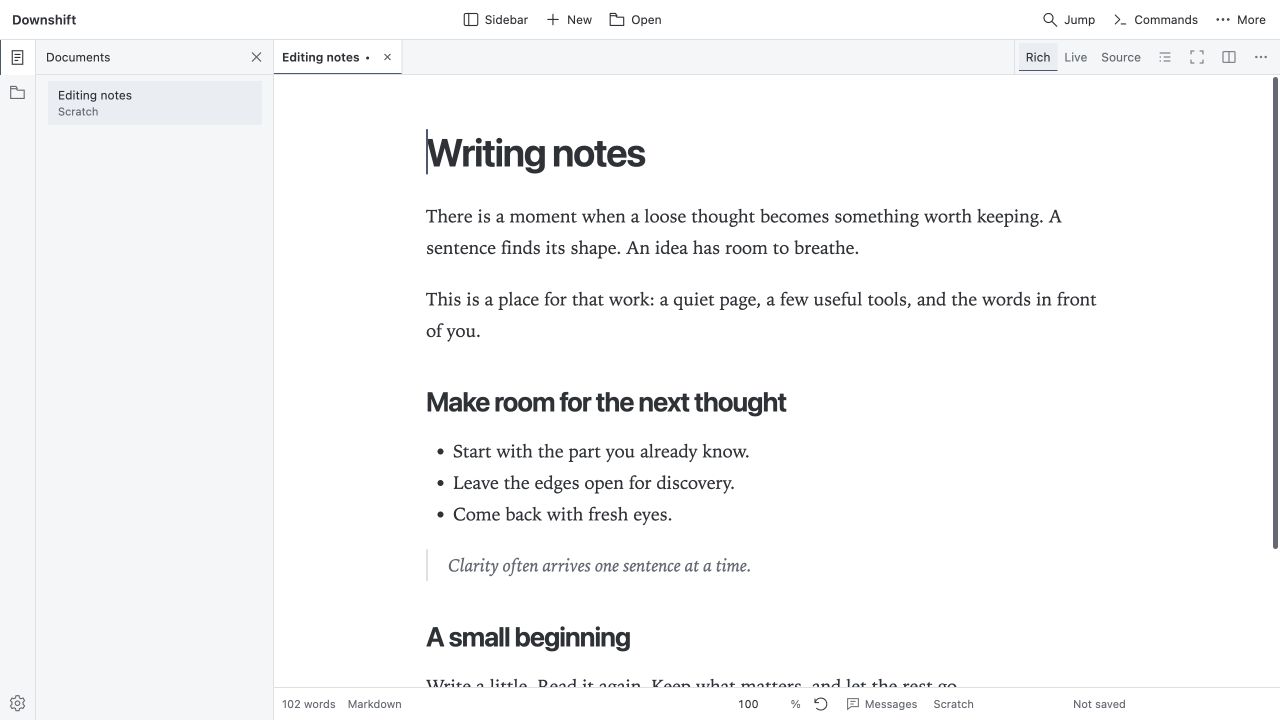
Write directly in a formatted document, work with live Markdown, or open the source. Three ways into the same document.
Headings, lists, links, and formatting stay part of the page while you write.
Keep Markdown close, with rendered content and syntax revealed as you edit.
See the Markdown itself. Edit with syntax highlighting and multi-cursor tools.
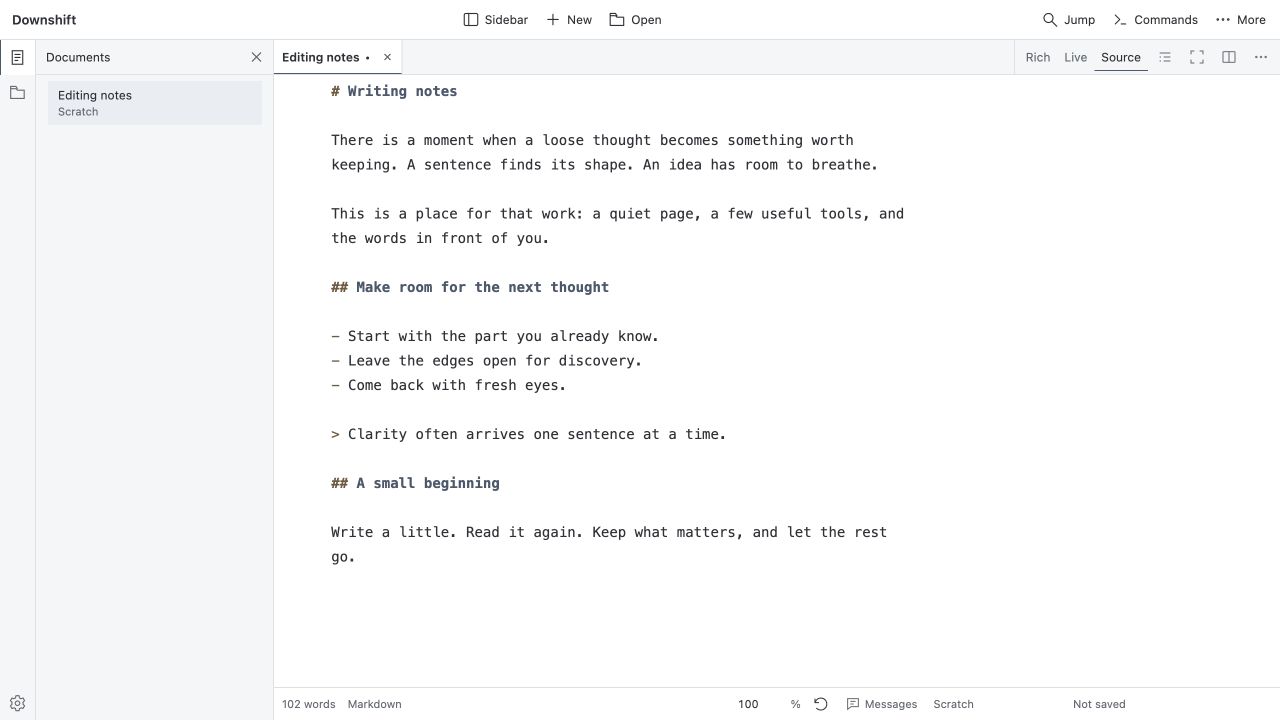
Capture an idea in Scratch. Native local recovery keeps it between sessions, before you decide where it belongs.
Open Markdown from ordinary folders. Read images and PDFs alongside your writing, and use two editor groups when one view isn’t enough.
Separate work into Spaces. Bring related documents together in Collections without rearranging the files on disk.
Downshift is in private early access for invited Apple silicon Mac testers. The download channel asks for your approved email and a one-time code.
Access is by invitation. A build may not yet be available.
Initial
builds are ad hoc signed and unnotarized; macOS may prevent them
from opening.